Strategy tools that put the answer on one page.
Excel workbooks and offline apps for the decisions you have to defend: which option, is it worth it, how long does the money last, who is overloaded.
See the five toolsPlanning tools held to the standard of 26 years in tier-one consulting.
Five tools, five questions
Each tool answers one question a manager or a founder gets asked, and ends on a page you can print and take into the room.
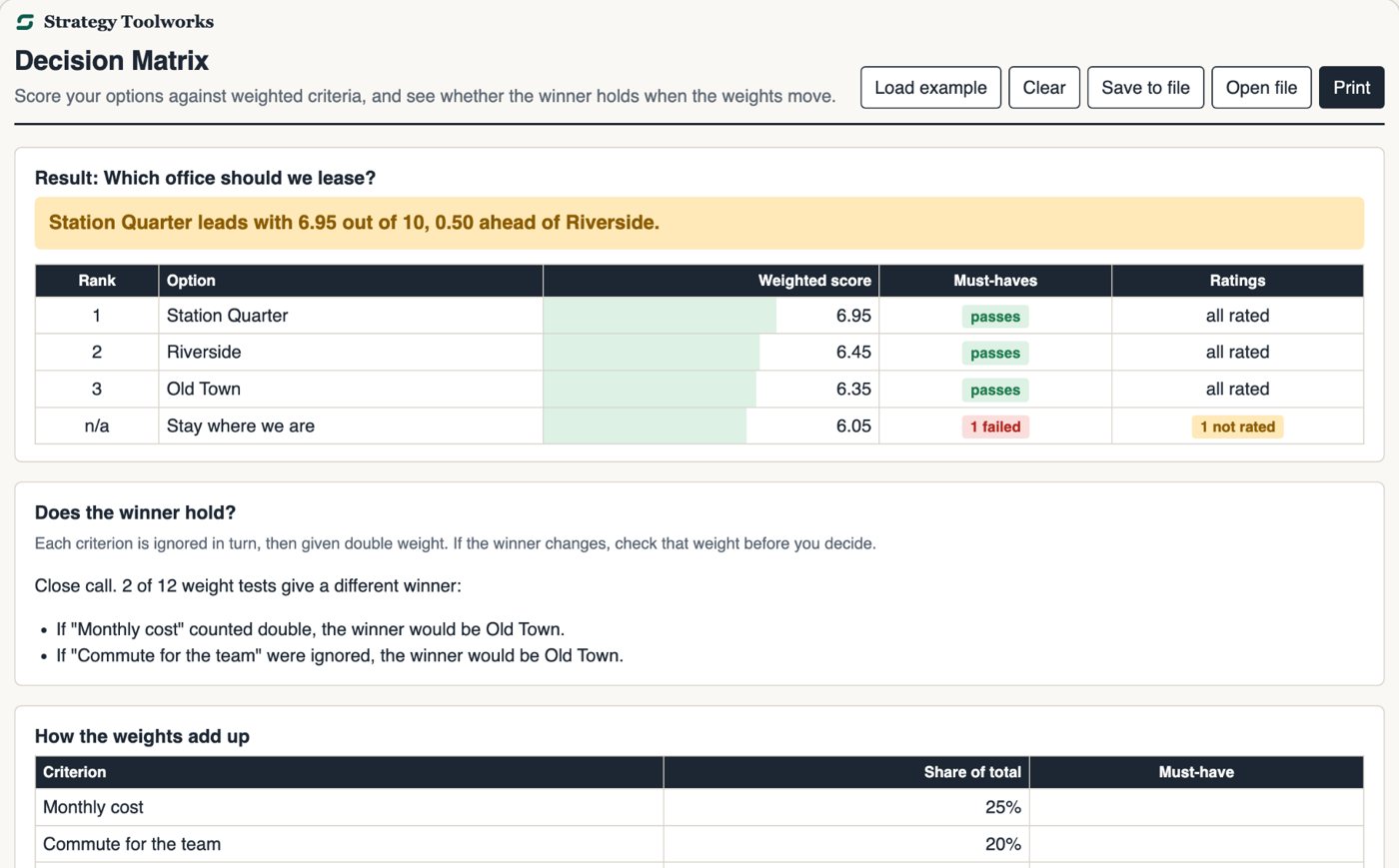
Decision Matrix
Which option do we choose?
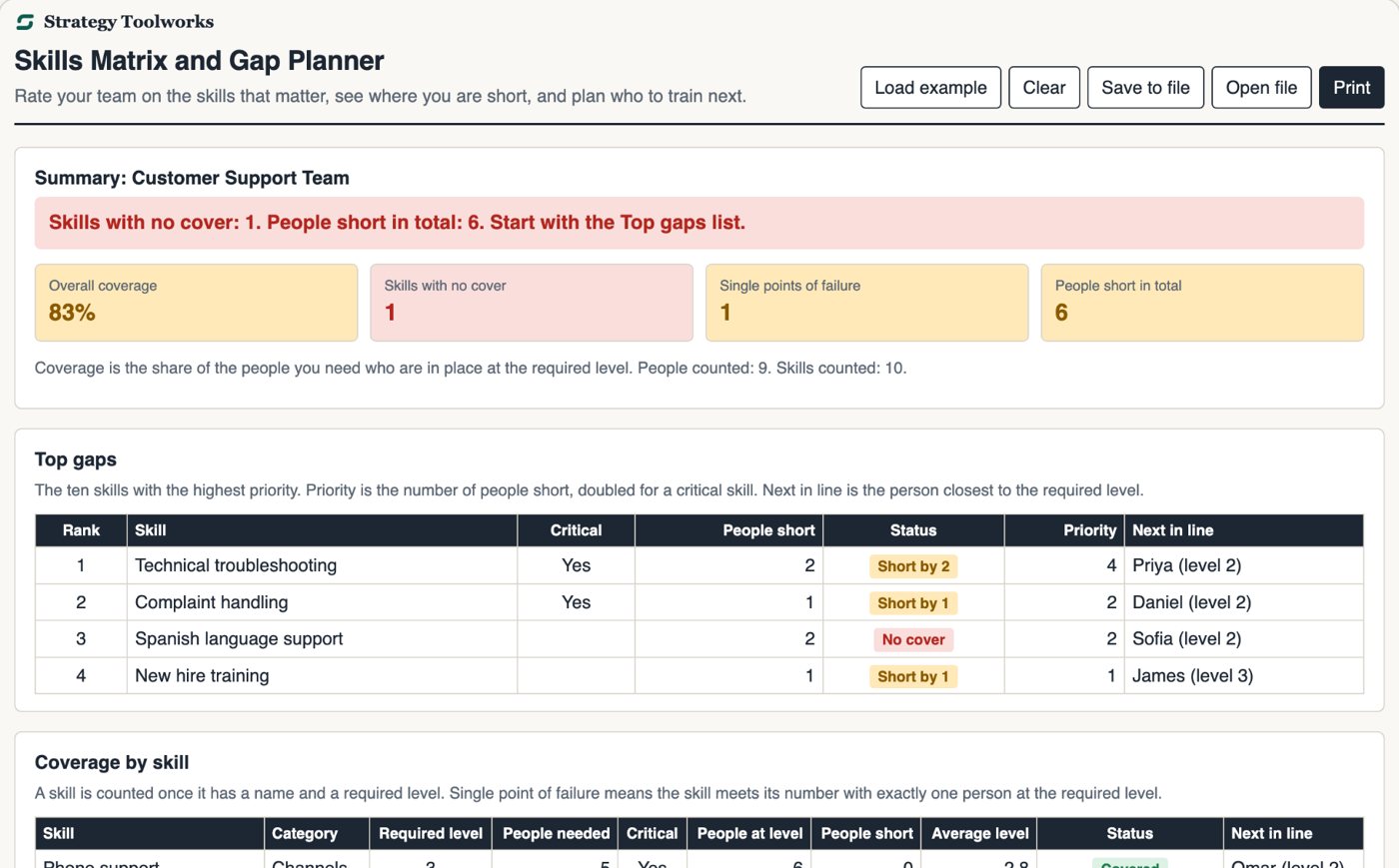
Skills Matrix and Gap Planner
Which skills does the plan need that we lack?
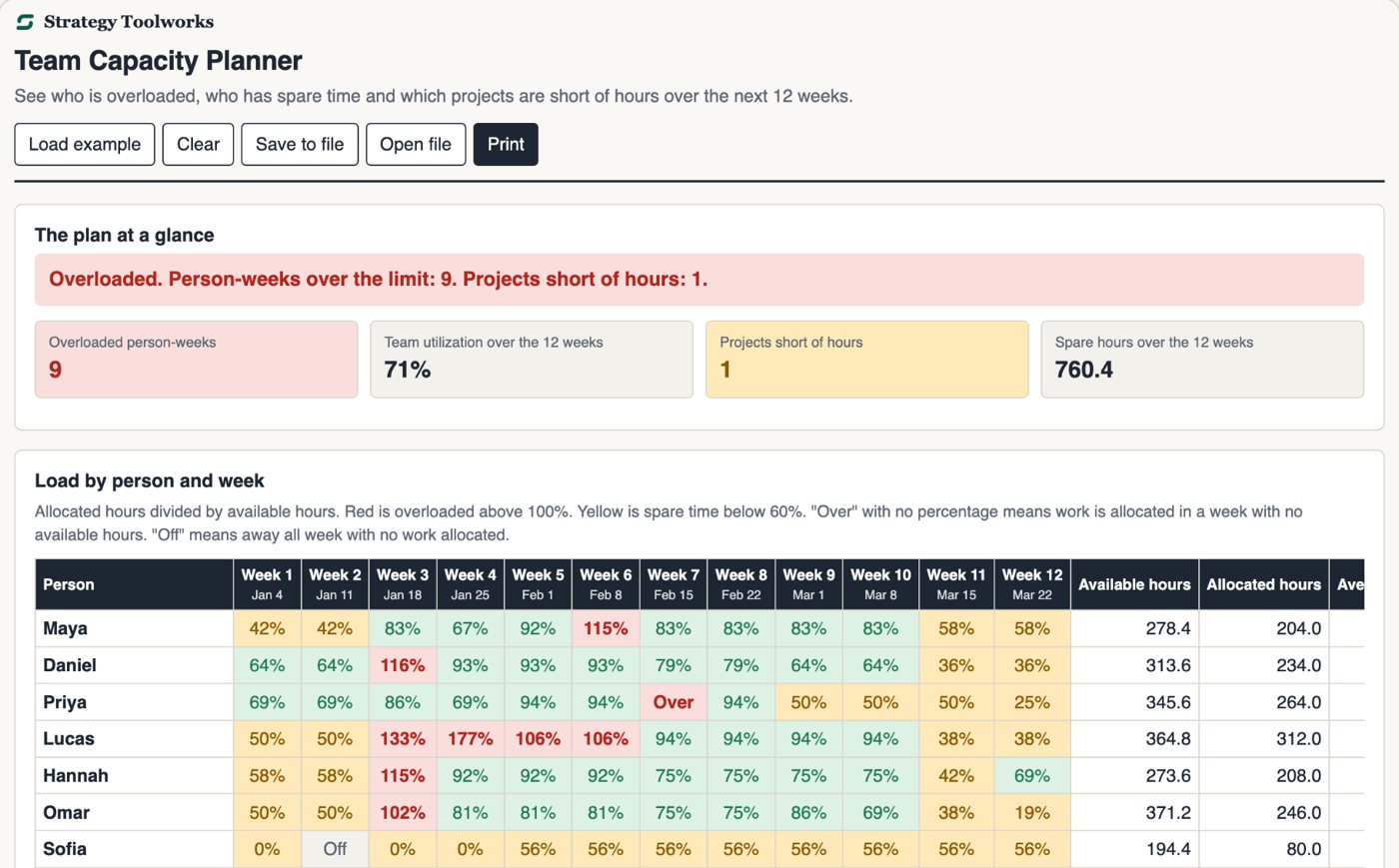
Team Capacity Planner
Where does our people's time go against the plan?
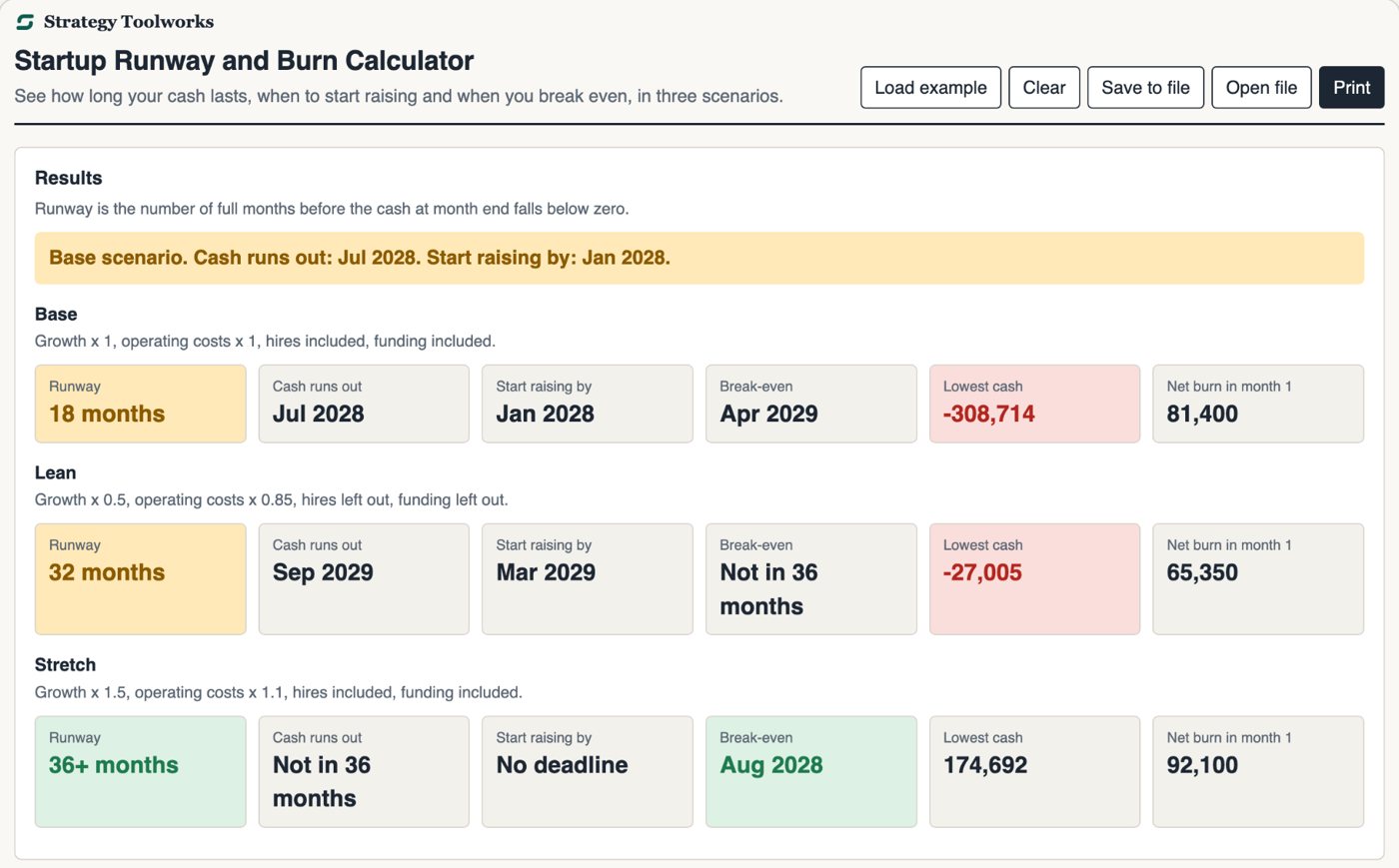
Startup Runway and Burn Calculator
How long does the money last, and when do we raise?
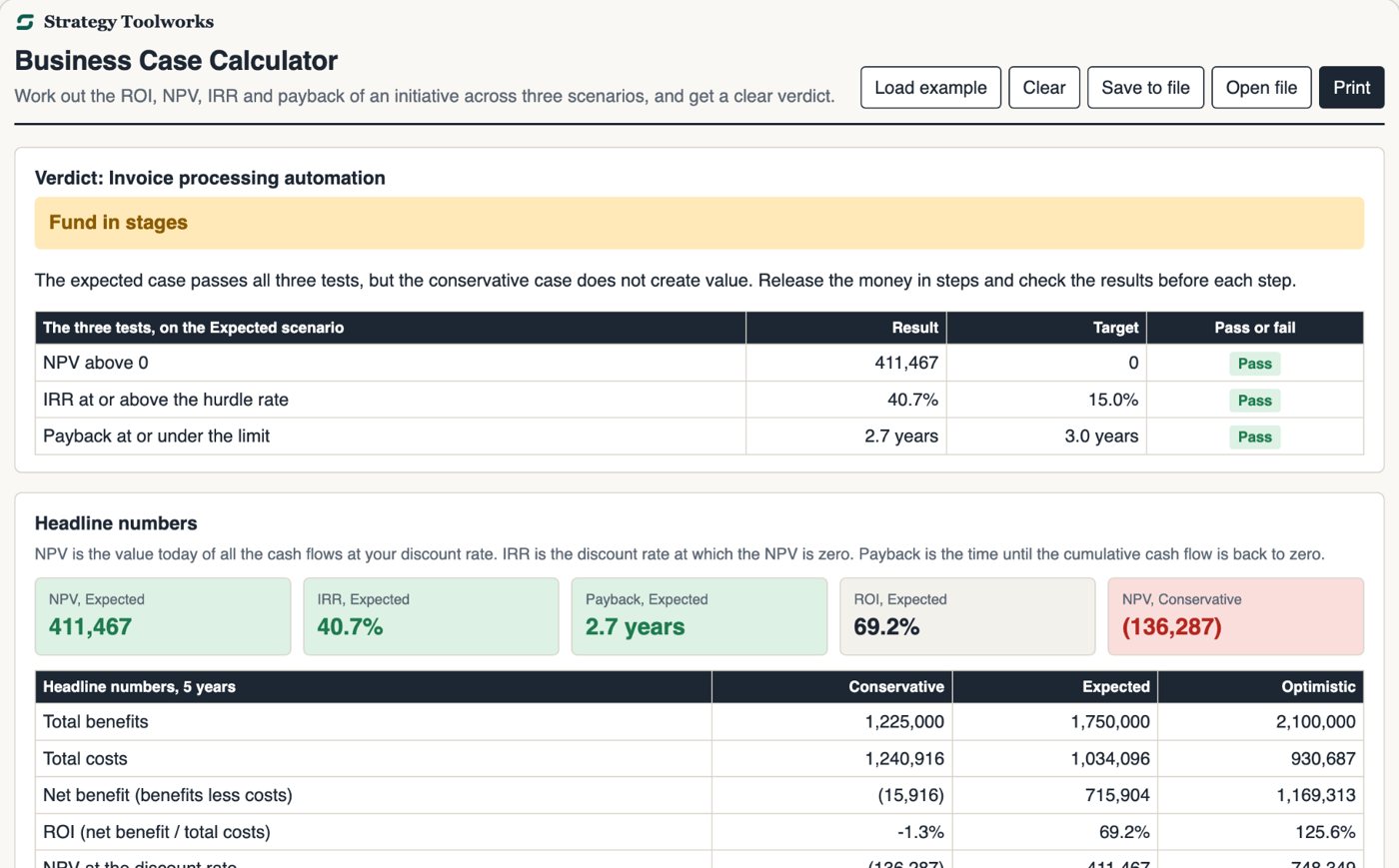
Business Case Calculator
Is this spend worth it?
How it works
Every tool comes as an Excel workbook and as an app. Use whichever suits the moment.
Download
One folder: the workbook, the same workbook filled with an example, and the app as a single file.
Type in the yellow cells
Yellow cells are yours. Everything else updates itself. The example shows how a finished one reads.
Read the verdict
Each tool ends in plain words: the winner and whether it holds, the month the cash runs out, fund or stop.
Checked value by value
Each tool is built twice, once as a workbook and once as an app, and the two are calculated separately. A tool ships only when every value agrees: 68 values for the Decision Matrix, 953 for the Team Capacity Planner.
- No macros and no add-ins.
- Works with no internet. Nothing is sent anywhere.
- Opens in Excel, Google Sheets and LibreOffice.
Sets
The tools work alone. Together they cost less.
| Set | What is in it | Price |
|---|---|---|
| Manager Planning Set | Skills Matrix and Gap Planner, Team Capacity Planner, Decision Matrix | USD 49 |
| Founder Finance Set | Startup Runway and Burn Calculator, Business Case Calculator, Decision Matrix | USD 59 |
| All Five Tools | Decision Matrix, Skills Matrix and Gap Planner, Team Capacity Planner, Startup Runway and Burn Calculator, Business Case Calculator | USD 89 |
Questions
Which versions of Excel does it need?
Microsoft Excel 2010 or later, on Windows or Mac. The workbooks use no macros and no add-ins, so nothing has to be enabled.
Does it work in Google Sheets?
Yes. Upload the workbook to Google Drive and open it with Google Sheets. It also opens in LibreOffice.
What is the offline app?
One file that opens in your browser and does the same calculation as the workbook. It needs no internet and no account. Your numbers stay on your device, and you can save them to a file or print the result.
Can my team use it?
One purchase covers one buyer, for any number of your own files. Please do not resell or share the files.
Is this advice?
No. These are planning tools. They do not give legal, tax or financial advice.